SEO Blog Writer turns a keyword or one of your services into a complete, on-brand blog draft inside WordPress. Here is what it does, with screenshots from a real install.
Keyword mode and service mode
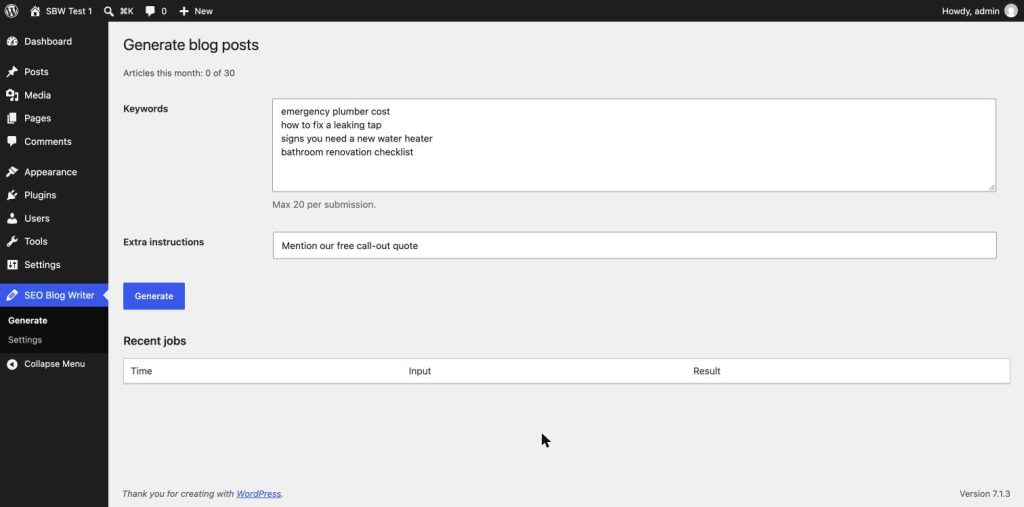
In keyword mode you type one target keyword per line, up to 20 at a time, and get one article per keyword. In service mode you tick the services you listed in Settings; for each one the AI picks a fresh, search-worthy long-tail topic and avoids topics you have already published. Either way, an optional line of extra instructions (for example “mention our free consultation”) is applied to the whole batch.
Written about your business
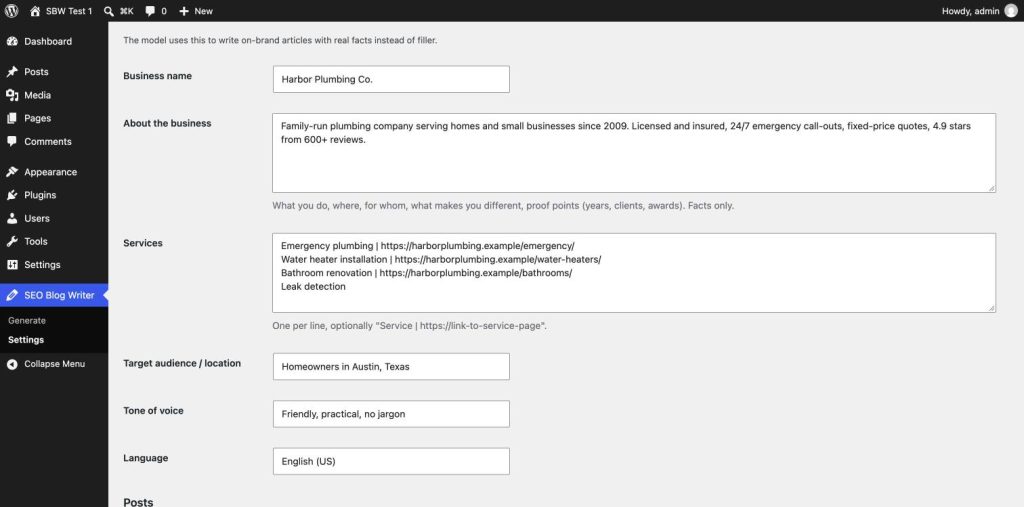
You describe your business once: name, what you do and for whom, proof points, services, audience or location, tone of voice, language and target length. Every article uses those facts instead of generic filler.
Internal links to your own pages
The plugin sends the titles and URLs of up to 60 of your published pages and posts, plus your service page links. The article links to the relevant ones with natural anchor text. Links that do not point to your own site are removed before the post is saved.
An FAQ section in every article
Each article ends with a short FAQ: the questions people search for around the topic, answered in plain language.
SEO plugin fields filled in
Each draft comes with an SEO title, meta description, focus keyword, slug, excerpt and tags. They are written to Yoast SEO, Rank Math, SEOPress and All in One SEO, whichever you use. Without an SEO plugin, SEO Blog Writer prints the meta description itself.
Drafts you approve
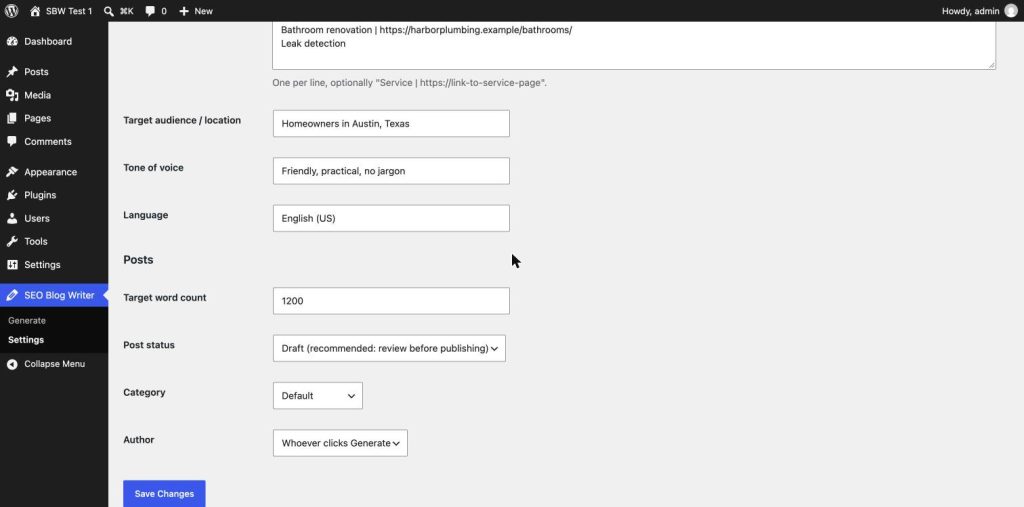
New articles are saved as drafts by default, with the category and author you choose. You can switch to Pending review or Publish immediately, but we recommend a human read before anything goes live: it keeps quality high and stays on the right side of search engine spam policies. A Posts filter shows every AI generated post.
A background queue you can see
Each article is its own background job (WP-Cron), started 20 seconds apart, so your admin never hangs. The Generate page lists recent jobs with the draft link, word count and tokens used. Temporary errors are retried once automatically, failed jobs have a Retry button, and Clear queue removes jobs that have not started. Your monthly usage is shown above the form.
Written to be cited by AI answers
Google AI Overviews, ChatGPT and Perplexity answer questions by quoting pages that answer them plainly. Every draft is built that way: the core question is answered early, subheadings describe what follows, and the FAQ answers follow-up questions in a sentence or two. The same structure helps readers who skim. It is a format, not a promise: no tool can guarantee that a search engine or AI assistant cites a page.